
Let’s be honest. Your hiring 'system' is probably a chaotic mess of spreadsheets, flagged emails, and a LinkedIn profile you haven’t updated in years. A real database for recruitment is the central command center that transforms that hiring chaos into a well-oiled machine, giving you a dynamic, searchable library of every candidate you've ever met.
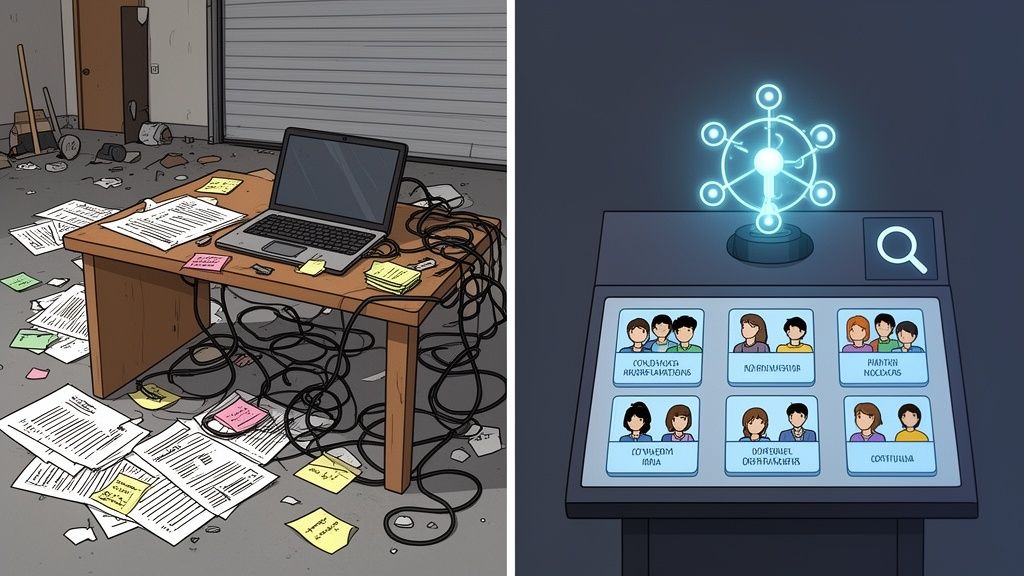
You’re losing great candidates in the shuffle and wondering why your competitors are snapping up all the talent. I've been there. It’s not your effort; it’s your tools. You think you're being scrappy, but you're just being slow. That spreadsheet you’re so proud of is where top-tier candidates go to die.
Hope you enjoy spending your afternoons fact-checking resumes and running technical interviews—because that’s now your full-time job.
A proper database for recruitment isn't just a digital filing cabinet. It’s the difference between guessing who to call and knowing exactly who your next star performer is. It’s a living ecosystem that tracks every touchpoint, remembers every conversation, and flags that "almost perfect" candidate from six months ago for a new opening.
"Good enough" is a dangerous mindset for a founder. Your cobbled-together system of free tools feels resourceful until you calculate the cost of a mis-hire or the opportunity cost of a role sitting vacant for three months. It’s death by a thousand paper cuts.
Here's what that "free" system is actually costing you:
The goal isn't just to store resumes. It’s to build a strategic asset—an intelligent network of talent you can tap into on demand. That's how you win.
In this guide, we'll skip the buzzwords and get straight to the point. We're going to break down how to build or buy a database for recruitment that actually works, based on years of trial, error, and finally, success. Let's turn that hiring chaos into your competitive advantage.
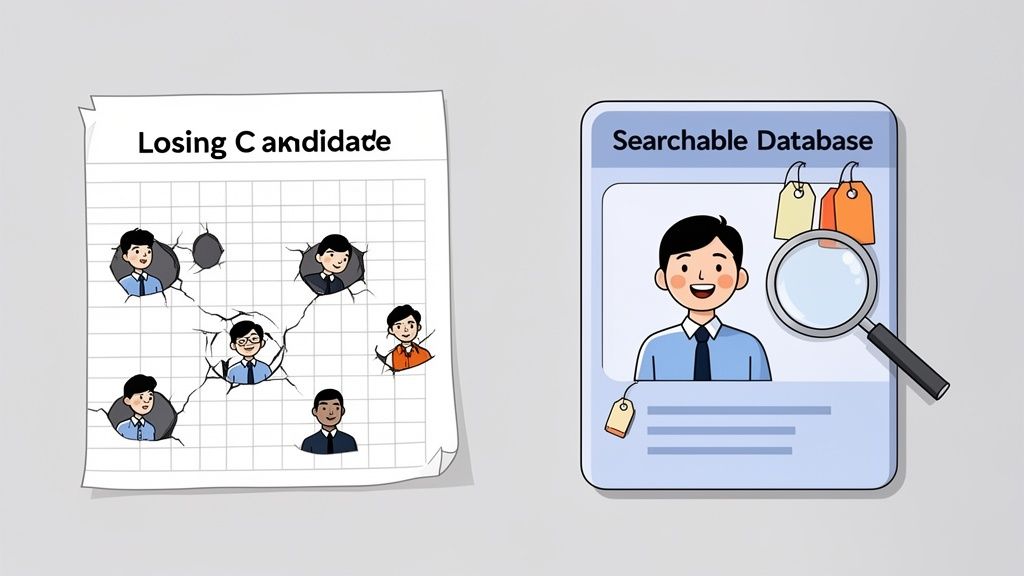
Let’s be honest with ourselves. That spreadsheet you’re so proud of? It’s a digital graveyard for ambition—both yours and the candidate’s. It feels productive, I get it. You’ve got your columns, your names, and you've even color-coded the "maybes." But it's a static document, outdated the moment you hit save.
A proper database for recruitment is something else entirely. It's your company’s collective memory of every single person you've ever considered hiring. Think of it as a dynamic, searchable library of resumes, interview notes, and communication history. It doesn't just store data; it connects the dots for you.
Remember that brilliant engineer you interviewed last year? The one who was a close second for a role, your "silver medalist." Where is their information right now? Buried in row 247 of an archived .xlsx file? A real database flags that person automatically when a new, better-fitting role opens up. Your spreadsheet just sits there, collecting digital dust.
Every "Hey, just checking in" email you send to a candidate you can't quite place is a hidden cost. It's the time you waste searching your inbox, the context you've completely lost, and the unprofessionalism of asking them to re-send their resume for the third time.
You're re-introducing yourself to people you should already have a relationship with. This isn't just inefficient; it's expensive.
Let’s look at the numbers. In the U.S., a single recruiter might handle an average of 54 hires per month, a figure that’s a staggering 85% higher than the global norm. With the average tech role attracting around 110 applicants, you need a system, not a list. Only about 4.3% of those applicants will even make it to an interview, making a database essential for managing that volume without losing your mind.
The single biggest failure of a spreadsheet is its inability to build institutional knowledge. When a recruiter leaves, their "system"—their inbox, their memory, their private notes—walks right out the door with them. All those relationships and hard-won insights just vanish.
A centralized database ensures that knowledge stays with the company. It creates a single source of truth that empowers the entire team, not just one person.
Here’s where the spreadsheet truly fails you:
Ctrl+F. A proper database does it in seconds.Your hiring process is a direct reflection of your company's culture. A chaotic, manual process signals to top candidates that you're disorganized, and they will run for the hills.
If you're currently drowning in manual tasks, looking into a dedicated solution like an Applicant Tracking System (ATS) can be a game-changer. For a great starting point, check out this guide on finding the best ATS systems for small businesses. It’s time to trade that spreadsheet for a system built to win.
Every software vendor will try to sell you a Swiss Army knife when all you really need is a sharp blade. They'll throw a laundry list of "revolutionary" features at you, hoping something sticks. I’ve sat through enough demos to know that 90% of it is just noise designed to justify a higher price tag.
Let's cut through the fluff. A great database for recruitment isn't about having the most features; it's about having the right ones that do the heavy lifting. Forget the gimmicks. These are the non-negotiable workhorses that save your team from administrative hell and let them focus on what they do best—talking to great people.
Your database is useless if you can't find anyone in it. A simple keyword search won't cut it when you need to find a "Senior Python developer with experience in both AWS and fintech, who isn't currently at a competitor." This is where a powerful search function becomes your best friend.
A top-tier database needs Boolean search capabilities. This isn't just for tech nerds; it's a fundamental tool for precision. Using operators like AND, OR, and NOT allows you to build incredibly specific queries. For example: ("Software Engineer" OR "Developer") AND (Python OR Java) NOT "Manager".
This is how you go from a list of a thousand possibles to a shortlist of ten perfect fits in under a minute. It’s the difference between targeted sourcing and just throwing darts in the dark.
If your recruiters are still manually sending follow-up emails, you’re burning money. The best databases come with workflow automation that handles the repetitive tasks that drain your team's energy and introduce human error.
Think about it:
This isn't about replacing recruiters; it's about freeing them up from being administrators. Exploring the world of recruitment automation software is the first step toward building a hiring engine that runs itself.
Your recruitment database can't live on an island. It needs to play nice with the other tools in your tech stack. If your team has to constantly switch between tabs, copying and pasting information, your shiny new database is just creating more work.
A database that doesn't integrate is just another silo. The goal is a single, unified workflow where data flows effortlessly from one platform to another, creating a single source of truth for every candidate interaction.
Key integrations to look for are with your calendar for scheduling, your email for communication tracking, and any specialized sourcing tools your team relies on. And as AI becomes more central, these integrations are even more critical. In fact, 79% of recruiters are already using AI for candidate screening, a move that can slash time-to-hire by up to 35%. You can learn more about how AI is reshaping the industry from these recent recruiting statistics. For a deeper dive into maintaining the health, integrity, and efficiency of your recruitment data, explore these essential database management best practices.
When you're evaluating platforms, it’s easy to get distracted by flashy features that sound impressive in a demo but collect dust in the real world. This table breaks down what truly moves the needle versus what’s just a bonus. Focus on the "Must-Have" column to build a solid foundation for your recruiting engine.
| Feature Category | Must-Have (Non-Negotiable) | Nice-To-Have (Bonus Points) | Why It Matters |
|---|---|---|---|
| Search & Sourcing | Boolean search, saved searches, resume parsing, duplicate detection | AI-powered candidate matching, predictive analytics | You can't hire people you can't find. These tools are fundamental for turning a passive list of names into an active, searchable talent pool. |
| Automation & Workflow | Custom pipelines, automated email triggers (rejections, follow-ups), activity tracking | Automated re-engagement campaigns, AI scheduling assistants | This is where you get your team's time back. Automation handles the administrative grind, letting recruiters focus on building relationships. |
| Integrations | Email & calendar sync (Gmail/Outlook), ATS/CRM integration | Social media profile integration, Slack/Teams notifications | A database that doesn’t connect to your core tools creates data silos and friction. Seamless integration is key to a single source of truth. |
| Reporting & Analytics | Core KPI dashboards (time-to-hire, source effectiveness), customizable reports | Diversity & inclusion analytics, predictive hiring forecasts | What gets measured gets managed. You need basic reporting to understand what's working and where bottlenecks are forming in your process. |
| Compliance & Security | Role-based access controls, GDPR/CCPA compliance tools, data encryption | Advanced audit logs, single sign-on (SSO) | Non-negotiable for protecting candidate data and your company's reputation. Security and compliance aren't features; they're table stakes. |
At the end of the day, the best database is the one your team actually uses. Prioritizing these core, high-impact features ensures you're investing in a tool that solves real problems, not just one that looks good on a feature list.
A database is only as good as its structure. I learned this the hard way after inheriting a system where "skills" was a free-text field. The results were… creative. One candidate listed "ninja" and another, simply, "spreadsheets." Utterly useless for any meaningful search.
A poorly designed data schema is like building a library with no Dewey Decimal System—just a chaotic pile of books. Get this part right, and you'll pull a perfect shortlist for any role in minutes. Get it wrong, and you might as well go back to your color-coded Excel file. This isn't a computer science lecture; it's a battle-tested blueprint for organizing your talent data.
This diagram breaks down the core functions that a well-structured database should power, all built on a foundation of smart data organization.
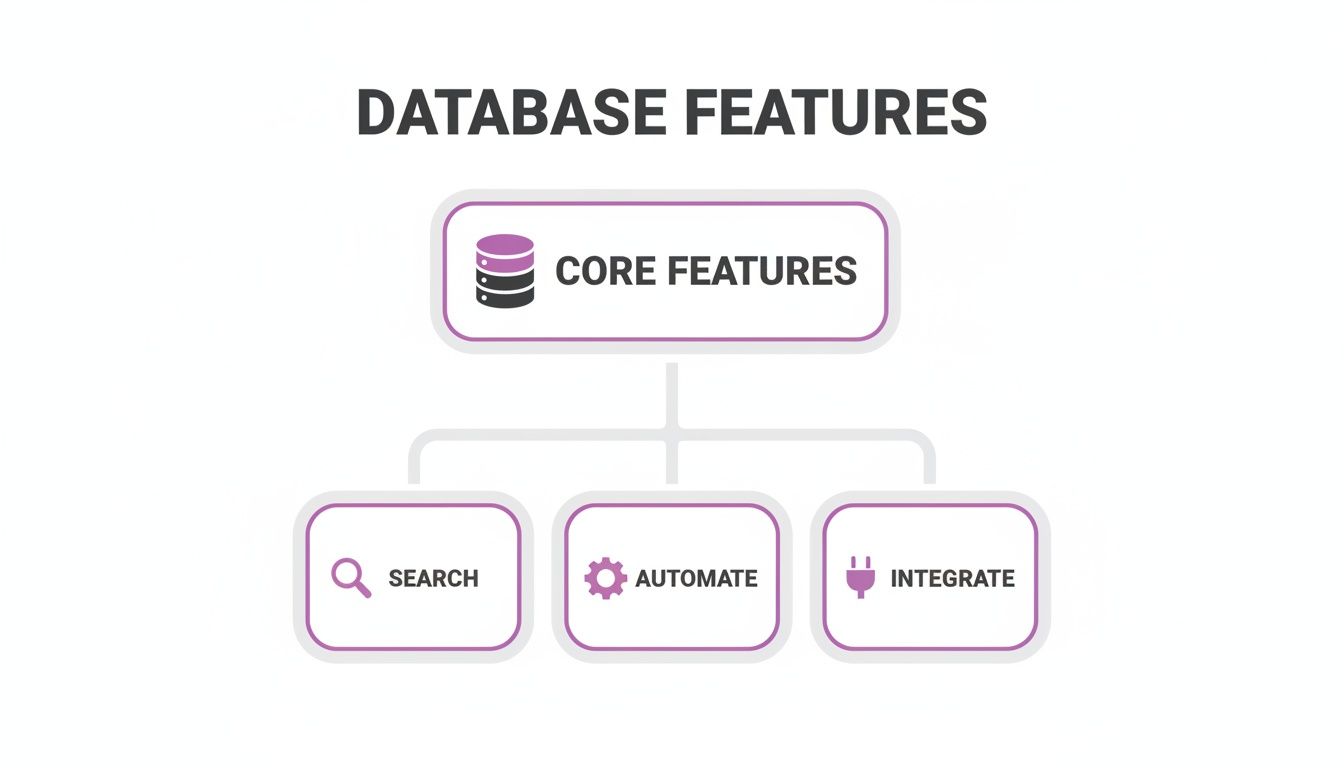
As you can see, a solid foundation enables everything else. Without a core structure, features like intelligent search or automation are just hollow promises.
First things first, let's nail down the essential fields for a candidate profile. Don't overcomplicate it. You want enough data to make smart decisions, not so much that your recruiters spend all day on data entry.
Here’s a no-nonsense starting point:
You need to treat your candidate data like an asset, not an archive. Every field should serve a purpose—to help you find the right person faster or make a smarter hiring decision. If it doesn't, cut it.
This is where you go from having a simple database to a strategic weapon. Pre-set fields are fine, but custom tags are what let you categorize talent in ways that actually matter to your business.
Think beyond just skills. What other information would give you a competitive edge?
Active, Passive, Silver Medalist, Future Leadership Potential.Willing to Relocate, Remote Only, Available in 30 Days.Strong Communicator, Exceeded Technical Screen, Culture Add.These tags turn your database into a dynamic talent pool you can slice and dice for any scenario. Need a senior engineer who was a "silver medalist" six months ago and is open to remote work? With the right tags, that search takes ten seconds. Without them, it’s an afternoon of detective work.
On top of that, integrating skill assessments directly into your workflow can provide objective, verifiable data points. Platforms offering pre-employment skills testing can automatically append validated skill tags to candidate profiles, replacing guesswork with hard evidence. It’s all about building a database that’s not just big, but smart.
Alright, let's get into the big one. This is the question that keeps founders up at night, staring at the ceiling and wondering if they’re a genius or about to make a catastrophic mistake. Do you build your own custom database for recruitment, or do you just pay for a platform?
I’ve seen this movie before, and it often ends badly. A founder with a bit of technical pride gets it in their head that they can build a better system. A year and a small fortune later, they’re left with a buggy, half-finished tool that the entire team hates. Worse, their best engineers have been tied up on an internal project instead of building the actual product that pays the bills.
Let's be brutally honest. Building your own database gives you total control, sure. But it also makes you the proud owner of every single bug, security patch, and feature update for the rest of time. Buying a solution gets you to market faster, but you're forever tied to someone else's roadmap and pricing model.
If you think the cost of building is just about developer salaries, you’re in for a rude awakening. The initial build is just the tip of the iceberg. The real costs are the ones lurking beneath the surface, waiting to sink your budget.
This isn't just a side project; it becomes a product within your product. You're now on the hook for:
Building it yourself feels like saving money, but it's often the most expensive path you can take. You're trading a predictable monthly subscription for an unpredictable, ongoing drain on your most critical resources: time and talent.
So, buying is the obvious answer, right? Not so fast. Choosing a vendor is its own special kind of headache. You’re not just buying software; you’re entering a long-term relationship, and divorces can get messy.
The single biggest risk? Data lock-in. Your data is your most valuable asset. If you ever decide to leave, some vendors make it incredibly difficult to export your history, notes, and candidate relationships in a format you can actually use. You're held hostage.
Then there's the problem of inflexible workflows. The platform was designed for someone, but was it designed for you? More often than not, you'll find yourself trying to jam your proven recruiting process into a rigid system that just wasn’t built for how your team operates.
The pressure to choose the right platform is immense, especially today. With 76% of employers globally struggling to fill roles and the average time-to-fill hitting 44 days, the efficiency you gain from the right tool is critical. As hiring becomes more complex, with 71% of teams using global hiring strategies, a flexible database isn't a luxury; it's a necessity. You can find more data on these top recruitment statistics on RecruitersLineup.com.
So, how do you make this call without betting the entire company? You need a clear, pragmatic framework. Below is a realistic breakdown to help you weigh the cold, hard math of this decision. This isn't just a feature list; it's a look at the real-world impact each path will have on your time, budget, and sanity.
Let’s be honest with ourselves and look at what this decision really entails. The table below cuts through the noise and compares the true costs and benefits.
| Consideration | Building In-House | Buying a SaaS Platform | The Founder's Takeaway |
|---|---|---|---|
| Upfront Cost | Extremely high (developer salaries, infrastructure). Easily $100k+ for a basic version. | Low to moderate (monthly subscription fees). Predictable and scalable. | Don't fool yourself on the build cost. Whatever you estimate, it will likely double by the time you're done. SaaS wins on initial cash flow, hands down. |
| Time to Value | Slow. You're looking at 6-12 months before you have a usable V1. | Fast. You can be up and running in days or weeks, not months or years. | Time is your most valuable resource. Do you want to be recruiting top talent next month or next year? |
| Customization | Infinite. You can build anything you want, tailored exactly to your workflow. | Limited. You're constrained by the vendor's features and roadmap. | Unless you have a truly bizarre hiring process, "good enough" customization from a vendor is usually better than a "perfect" system that never ships. |
| Maintenance | All on you. Security, bugs, updates—it's your problem forever. | Handled by the vendor. You get automatic updates, security, and support. | This is the hidden killer of in-house projects. The ongoing maintenance burden is a massive, perpetual distraction from your core business. |
| Scalability | You have to build for it. Can your system handle 100,000 candidates? | Proven. The vendor has already solved scaling issues for thousands of other customers. | Don't waste your engineers' brainpower on solving problems that have already been solved. Let the experts handle infrastructure. |
In the end, it all boils down to one simple question: Is building recruitment software your core business?
If the answer is no, then stop trying to. Focus your energy on what you do best and let a dedicated platform handle the rest.
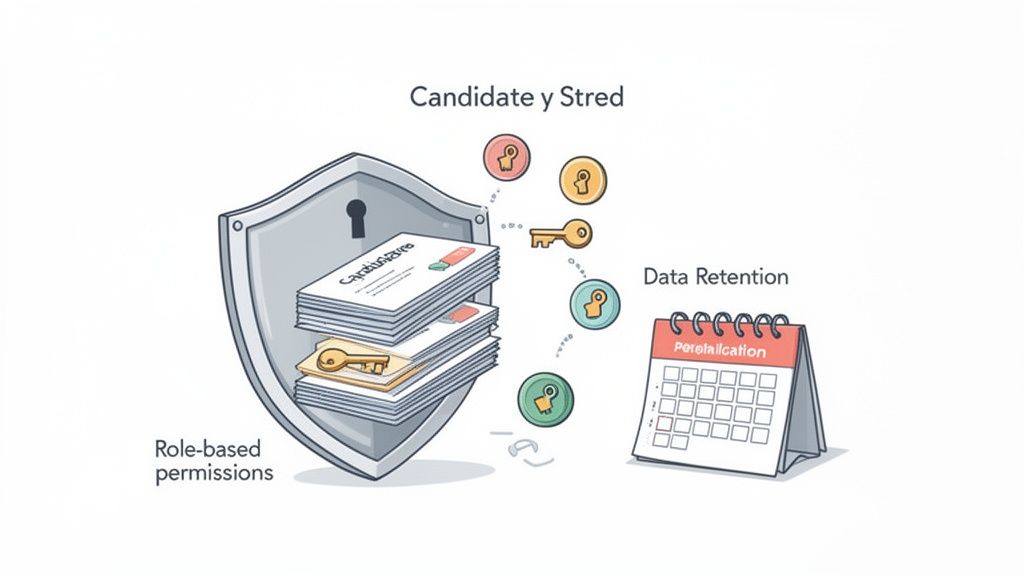
Let's talk about the part no one gets excited about, but everyone absolutely has to nail: compliance and security. It’s the broccoli of building a recruitment engine—not the most glamorous part, but essential for your health.
Candidate data is some of the most sensitive information you'll ever handle. A breach doesn't just damage your reputation; it can land you in a world of hurt with regulators. That spreadsheet of candidates sitting on a shared drive? Think of it as a lawsuit just waiting to happen.
This is your non-technical guide to data privacy. Getting this right means you can sleep at night, knowing your talent pipeline is a fortress, not a liability.
The first rule of data security is simple: don’t give everyone the keys to the kingdom. Not every member of your team needs to see every piece of candidate information. Your intern, for example, probably shouldn't have access to salary expectations or interview feedback for a senior executive role.
This is where role-based access control (RBAC) comes in. It’s a straightforward concept: people only get access to the data they absolutely need to do their jobs. Nothing more.
A proper database for recruitment allows you to set these kinds of granular permissions.
This isn't about distrusting your team. It's about creating layers of security that protect sensitive information from accidental leaks or malicious attacks. It’s just smart business.
In the world of data, hoarding is a bad habit. Regulations like GDPR in Europe and CCPA in California have strict rules about how long you can hold onto a candidate’s personal data, especially if they’re no longer in an active hiring process. You can't just keep resumes forever "just in case."
A good database helps you automate this process. You can set data retention policies that automatically flag or delete profiles after a certain period of inactivity. For instance, you might set a rule to anonymize a candidate's data after 24 months unless they've re-engaged with your company.
This keeps your database clean and, more importantly, compliant. It shows regulators you have a clear, defensible process for managing personal information responsibly. For a deeper look into this, our guide on data security best practices covers these principles in more detail.
Building a compliant database for recruitment isn't just about avoiding fines; it’s about building trust with every single person in your talent pool.
Alright, let's get into the questions I hear all the time. After years of fumbling around with spreadsheets and clunky software, I've developed some strong opinions on what works and what's just a waste of time and money. Here’s the straight talk.
Great question, and one that trips up a lot of people. It’s mostly industry jargon, but here’s how I break it down after signing the checks for all three.
An Applicant Tracking System (ATS) is all about process. Its one job is to shuffle a candidate from Point A to Point Z for a specific, open role. Think of it as a conveyor belt for hiring.
A Candidate Relationship Management (CRM) system plays the long game. This is where you build relationships with amazing talent before you even have a role for them. It’s your bench of future all-stars.
A recruitment database is the foundation that holds everything together. It's the central library where all your talent data lives. The best modern systems blur the lines, blending ATS and CRM features so you can manage active applicants and nurture passive talent all in one place.
Honestly, don’t get too hung up on the acronyms. The real question is, what do you need the software to do? You need it to find great people, keep them warm, and make sure they don't get lost in the digital shuffle.
You can use a hammer to drive in a screw, but I wouldn't recommend it. I’ve made the mistake of relying only on LinkedIn, and it’s a rookie move. When you do that, you're building your house on someone else's land.
LinkedIn can change its algorithm, jack up its prices, or limit your access overnight, and you’re completely at their mercy. Even worse, all your private notes, interview feedback, and relationship history are scattered. A real database is an asset you own and control. Use LinkedIn for sourcing—it's great for that. But bring that valuable data home to your own system.
Relying on a third-party platform as your primary database means you're perpetually renting your most valuable hiring asset. True competitive advantage comes from owning your talent network, not just having a login to it.
This really depends on which path you take.
If you're brave (or crazy) enough to build it yourself, you should budget at least 6-12 months before you have something even remotely usable. And trust me, that's being optimistic.
On the other hand, if you go with a SaaS platform, you can be up and running in a matter of days or weeks. The real lift isn't the technical setup; it’s moving over your existing data and, more importantly, getting your team to actually use the thing consistently.
My advice? Start simple. Get the core functions working first and then worry about the bells and whistles later. A perfect system that nobody uses is completely worthless.

